![Diane Poremsky [Outlook MVP]](http://www.outlook-tips.net/images/2014/MVP_BlueOnly.png)
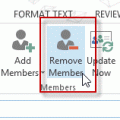
When you want to remove members from a distribution group, click the Remove Members button, don't use the Delete key or button.
If you use the Delete button ( ) you'll delete the entire distribution group.
Select the name (or names) and use the Remove Member button instead. (In older versions of Outlook the button name is just "Remove".)
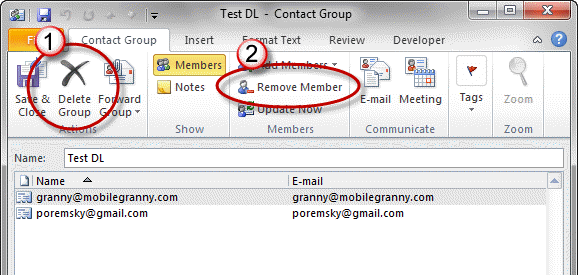
If you accidentally delete the distribution group, instead of deleting a member, you'll need to find it in the Deleted items folder and drag it back to the Contacts folder.
Published January 28, 2011. Last updated on May 5, 2017.