![Diane Poremsky [Outlook MVP]](http://www.outlook-tips.net/images/2014/MVP_BlueOnly.png)
With the holiday season beginning, I thought it would be a good time to share this tip.
A user on our Outlook-users mailing list asked how to prevent reminders from disappearing from tasks:
I have several daily reminders of various tasks I have to do. What normally happens after I return from a vacation, is Outlook will pop up a reminder for the first day I miss, but then stop after that. And then I have to advance, each day through them and turn the reminder/alarm back on. Is there some way I can prevent that from happening?
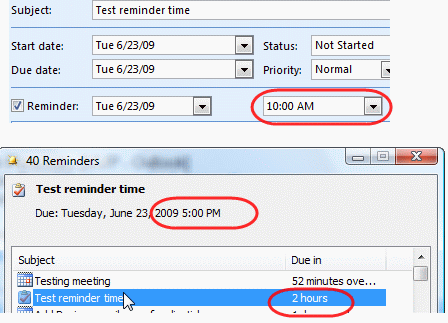
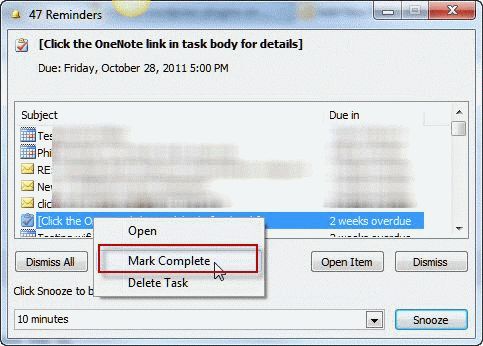
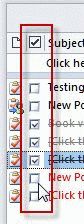 Sure, you can prevent this from happening. When you dismiss the reminder on a recurring task, it removes the reminders from future tasks too. Instead you need to mark the task complete. You can do this by right clicking on the task in the Reminder dialog, or click in the Complete field in the Task list.
If you forget to mark the tasks complete (and dismiss the reminders instead), you'll need to reset the reminders.
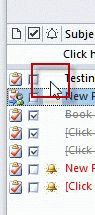 This is fairly easy when you add the Reminder field to the view then click in the column to turn reminders on. Unlike the Completed column, the Reminder column won't have markers indicating it might be click-able, just click in the white space and (if in-cell editing is enabled) a bell icon will magically appear.
Note: You need to have in-cell editing enabled to turn reminders on or mark tasks complete in a list view. If you see "Click here to add a task' you are using in-cell editing.
Published November 18, 2011. Last updated on July 18, 2014.