![Diane Poremsky [Outlook MVP]](http://www.outlook-tips.net/images/2014/MVP_BlueOnly.png)
Are you using custom forms in Outlook 2003 and they aren't working, yet work perfectly in Outlook 2002?
Outlook 2003 includes a new setting which is turned off by default that allows forms in shared mailboxes to run scripts.
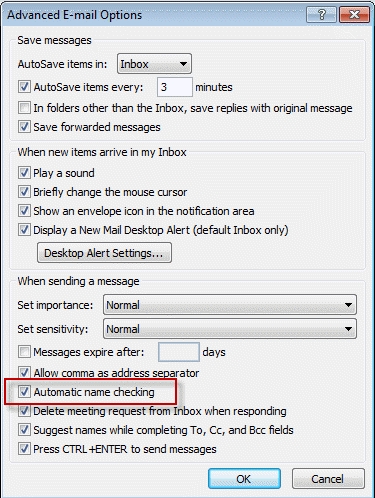
You can change the setting by choosing Tools | Options | Other | Advanced Options and checking the box for Allow script in shared folders. There is a box for script in Public Folders here too.
Published November 10, 2003. Last updated on May 16, 2011.