![Diane Poremsky [Outlook MVP]](http://www.outlook-tips.net/images/2014/MVP_BlueOnly.png)
Return to Use Outlook's Contacts
with Mail Merge | Mail merging to Labels
Use the Mail Merge toolbar to access the advanced mail merge options. The Mail Merge toolbar looks like this and have the following buttons on it:

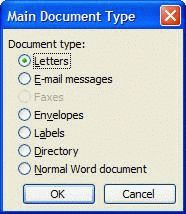
 Main Document SetupUse this button to select or change the mail merge document type.
 Open Data Source & Mail Merge Recipients – Use Mail Merge Recipients dialog to filter your data.


Insert: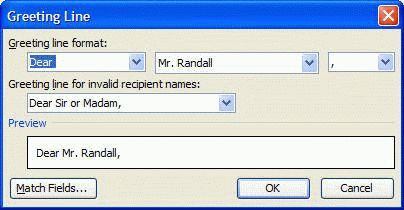
- Address Block
- Greeting Line
- Merge Fields
Use these buttons to insert an address block, a greeting line and individual fields.
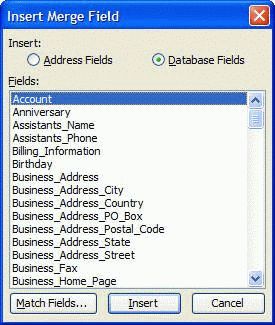
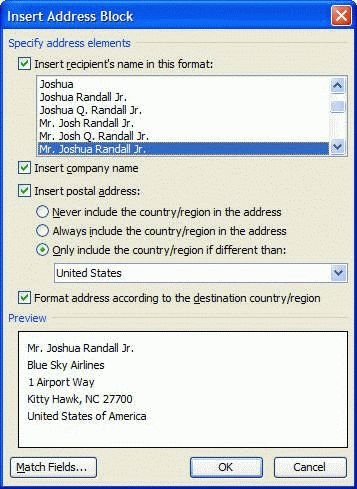
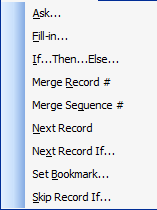
 Insert Merge Fields
Use this dialog to create dynamic merges, based on criteria.
 View Merged Data — Toggle this button to show the fields with the merge data or with the merge fields.
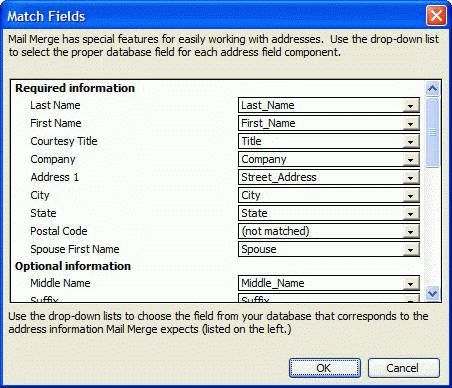
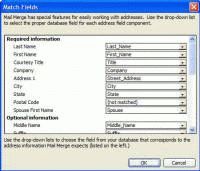
 Highlight Merged Fields & Match Fields
Use this dialog to match data base fields to Word's merge fields.
 Propagate Labels – Use this option when creating labels to copy the fields from the first label to the remaining labels.
 Record Browser – Use with View Merged Data to see the fields filled with different records. Use the forward and back buttons to move to the beginning, the end, or one record in either direction. Type any number to jump to that record.
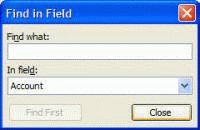
 Find entry – Search your records for data.
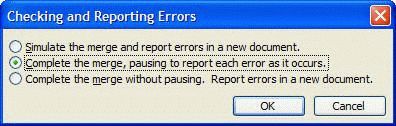
 Check for Errors Use this the verify your data.

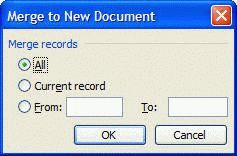 Merge to:
- New Document
- Printer
- Fax
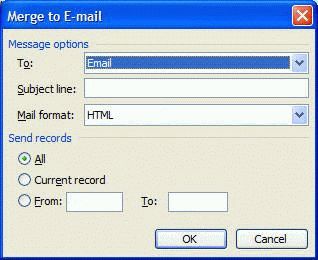
When you're ready to complete the merge, choose one of the Merge to buttons.
- Use HTML formatted email to avoid the security dialog.
- To merge to fax, you need the Windows Fax service or Internet fax installed.
Published March 16, 2011. Last updated on October 25, 2020.