![Diane Poremsky [Outlook MVP]](http://www.outlook-tips.net/images/2014/MVP_BlueOnly.png)
Reminders on flagged items use the same settings as Tasks. You can set reminders automatically when you set a flag by enabling the option to set reminders on tasks with a due date. If you don’t want reminders automatically set for flagged items, you’ll need to disable the option.
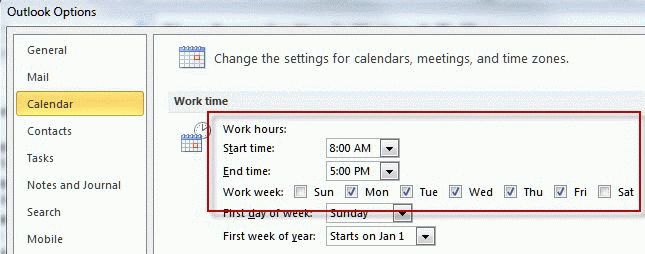
Also, the flag’s due date controls when the reminder is set for. Items flagged for Today will have a reminder set for 1 hour before the end of the work day while Tomorrow flags will use the reminder time set for Tasks. This week and next week flags will be due at the end of the work week and reminders will be set at the appropriate time on the end date.
To make the change or check your settings, option the Options dialog and look at Tasks options.
Published November 29, 2010. Last updated on June 17, 2011.