![Diane Poremsky [Outlook MVP]](http://www.outlook-tips.net/images/2014/MVP_BlueOnly.png)
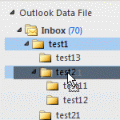
One of my favorite features is the ability to drag folders around. It makes it easy to rearrange your email folders or drag folders to an archive file. Like almost everything good, there is a downside: it's too darn easy to accidentally pick up a folder and drop it in another folder. Since Outlook can't search by folder name, finding a folder in a large mailbox full of nested folders can take some time.
It would be a big help of the folder tree could be locked, but since that is not an option, this suggestion from Steve "The Gnarley" may help:
Change your Mouse settings to use ClickLock. To set ClickLock, go to Control Panel, Mouse. In the Mouse Properties, Buttons Tab, Turn on ClickLock.
Click the Settings button and adjust the length of time you need to hold the button to turn on ClickLock. If the setting is too long, you'll need to wait too long for it to enable, but if it's too short, ClickLock will turn on when you drag to select text or drag a scroll bar.
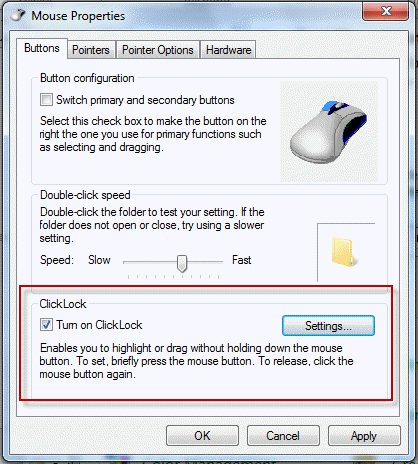
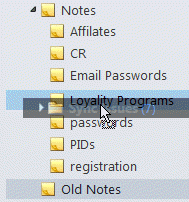
The ClickLock feature highlights your selection so you can see it. Once picked up, the selection is not released until you click again. If you haven't used it before, it will take some getting used to!
Published January 25, 2012. Last updated on May 9, 2013.