![Diane Poremsky [Outlook MVP]](http://www.outlook-tips.net/images/2014/MVP_BlueOnly.png)
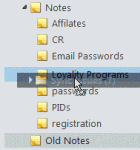
One of my favorite features is the ability to drag folders around. It makes it easy to rearrange your email folders or drag folders to an archive file. Like almost everything good, there is a downside: it's too darn easy to accidentally pick up a folder and drop it in another folder. Since Outlook can't search by folder name, finding a folder in a large mailbox full of nested … [Read more...] about Tip 951: How to Stop Accidentally Dragging Outlook Folders
Tips Archive
Tip 950: Appointments are received as plain text messages
This is a fairly common problem for users who send meeting requests to Internet addresses. When we forward appointments to another employee, the employee receives a vcalendar attachment that opens as a Calendar entry on their copy of Outlook. When we send it to someone using POP3 email, the attachment is simply a forwarded email message, with the vcalendar text as the email … [Read more...] about Tip 950: Appointments are received as plain text messages
Tip 949: Reminders and Tasks in Other Data Files
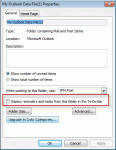
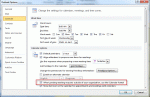
We had two questions about tasks, reminders, and flags recently. One used wanted to know how to prevent reminders and flags from his archive pst file from displaying while the other user wanted to know how to make the reminders show. I get a lot of emails and my pst files are very large (12-17GB) with just the email I get during one year. So at the end of each year I make a … [Read more...] about Tip 949: Reminders and Tasks in Other Data Files
Tip 947: How to find 'lost' Contact Groups
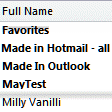
I set up a contact group. After saving it I can't find it anywhere. I tried searching but it's not found. Maybe I misspelled the name? There are (at least) three ways to find contact groups (distribution lists) within a contacts folder - Instant search, use a List view and look over the list, or create a filtered view. If you have a lot of contacts or a lot of groups, … [Read more...] about Tip 947: How to find 'lost' Contact Groups
Tip 945: Print a list of your Outlook Rules
Do you have a need for a text file containing a list of the rules assigned to your Outlook 2007 or Outlook 2010 default email account? A visitor to Slipstick.com submitted a code sample that creates a text file with the rule names and the From condition, in the order they are listed in Rules & Alerts. It still needs a bit of tweaking to include all Conditions and Actions in the … [Read more...] about Tip 945: Print a list of your Outlook Rules