![Diane Poremsky [Outlook MVP]](http://www.outlook-tips.net/images/2014/MVP_BlueOnly.png)
We’re getting a lot of reports of errors in the To-do Bar’s tasks list: "The operation failed. An object could not be found."
The fix is to close Outlook and restart it using the /resettodobar switch.
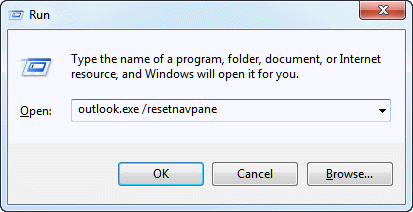
At Start menu, Run (Windows Key + R) type
Outlook.exe /resettodobar
See https://www.outlook-tips.net/beginner/switches.htm for help using
Published October 1, 2009. Last updated on June 17, 2011.