![Diane Poremsky [Outlook MVP]](http://www.outlook-tips.net/images/2014/MVP_BlueOnly.png)
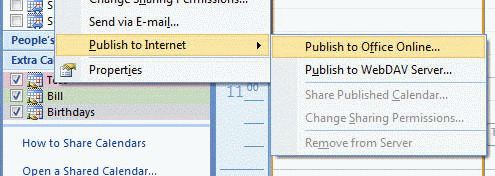
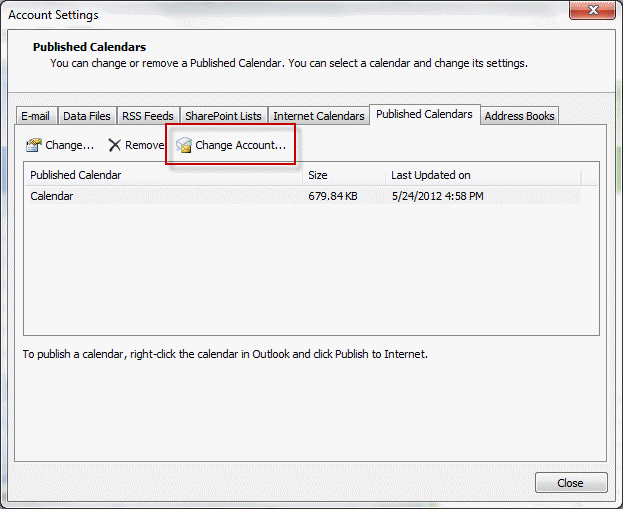
When you publish a calendar to Office Online using Outlook 2007 and up, your LiveID is saved by Outlook for automatic publishing of updates. If you want to change the LiveID you are using to publish, go to Account Settings > Published Calendars and delete the calendars published under the old LiveID, then click the Change Account button and sign out of the LiveID account and sign in with a different LiveID account. Return to Outlook and republish the calendar using the new LiveID.
Keep in mind that your email account does not have to match the LiveID account used to publish calendars and that people you share the calendar with will not know the LiveID address you used for publishing.
When you invite others to view your shared calendar, the recipients need to log into the calendar using a LiveID associated with the address you sent the invitation to. LiveID's can be created using any valid email address.
Published May 24, 2012. Last updated on June 3, 2012.