![Diane Poremsky [Outlook MVP]](http://www.outlook-tips.net/images/2014/MVP_BlueOnly.png)
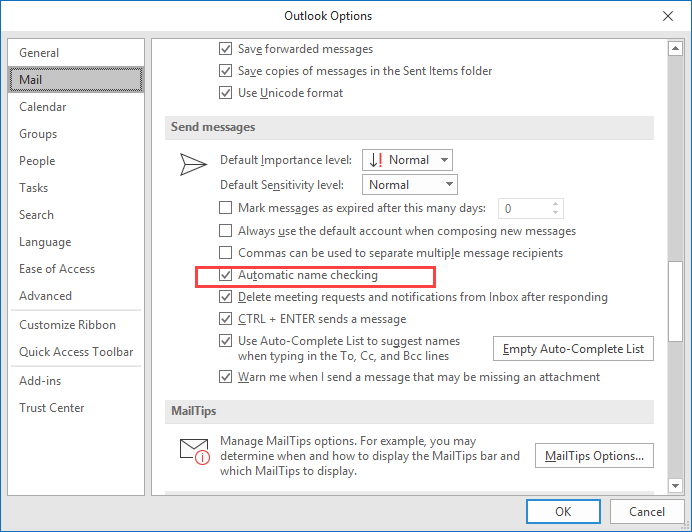
When you disable name checking (autoresolution) in File, Options, Mail, Outlook will still resolve the names, but not immediately.
You'll need to press Ctrl+K to force autoresolution at any time before sending the message; otherwise Outlook will always resolve the address when you send the message. If a match isn't found, you'll be asked to pick names using the Check Names dialog.
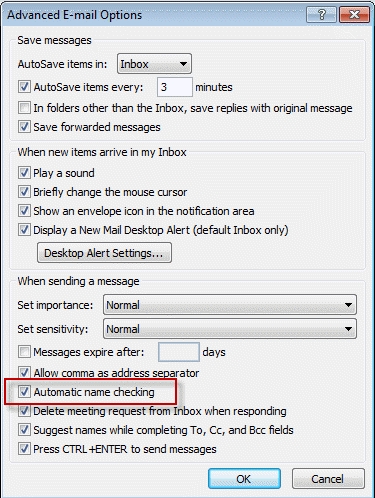
In Outlook 2007 it's in Tools, Options, E-mail Options, Advanced E-mail Options, Automatic name checking.
Published August 18, 2003. Last updated on November 15, 2018.