![Diane Poremsky [Outlook MVP]](http://www.outlook-tips.net/images/2014/MVP_BlueOnly.png)
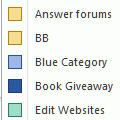
Outlook 2002 introduced Labels to the calendar, allowing you to display appointments in your Day/Week/Month view using different colors.
Did you know you can use Views to quickly apply color to your existing appointments?
- Open Customize View (in OL2002, it's View, Current View, Customize).
- Create a new Day/Week/Month view or customize and existing view.
- Add Automatic Formatting rules to colorize your appointments.
Published July 16, 2003. Last updated on January 1, 2013.