![Diane Poremsky [Outlook MVP]](http://www.outlook-tips.net/images/2014/MVP_BlueOnly.png)
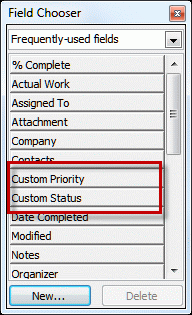
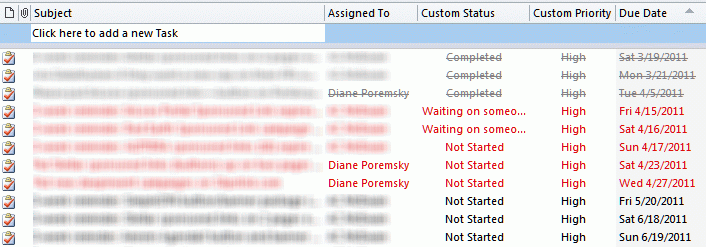
Many users are excited when they see the field called Custom Priority in the Field chooser dialog, thinking that Outlook finally lets them customize the priority. No such luck. That field is used with SharePoint tasks folders that are linked to Outlook. It won't work on other task folders in Outlook.
If you are looking for custom priorities, you're out of luck. Outlook doesn't support customizing the default priority field (or sub tasks, which is another popular request.)
Pvt shared a link to instructions to create custom fields to use for custom priority fields.
Published May 18, 2011. Last updated on June 5, 2014.