![Diane Poremsky [Outlook MVP]](http://www.outlook-tips.net/images/2014/MVP_BlueOnly.png)
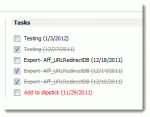
An Outlook user wanted to know how to remove completed Tasks from the Outlook Today screen. Obviously, deleting the tasks will remove them from Outlook Today, but if you want to keep the task, you can give it some time as the completed tasks are removed automatically as they age. Tasks completed "today" will display on Outlook Today for the rest of the day, disappearing … [Read more...] about Tip 936: Hide Completed Tasks in Outlook Today
outlook today
Editing the Outlook Today screen
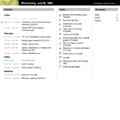
After Installing Critical Update 813489 for Internet Explorer you may discover you can't update Outlook Today from Outlook's interface. You either need to follow the instructions in KB 820575 (OL2000: You Cannot Customize Outlook Today After You Install Critical Update 813489 for Internet Explorer) or edit the registry values yourself. To edit the registry values: Open the … [Read more...] about Editing the Outlook Today screen
Tip 653: Internet Explorer Script Error
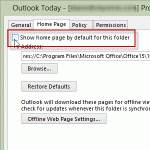
This problem comes up in cycles:If I open an email and go to print I get an error message:Internet Explorer Script Error An error has occurred in the script on this page Line 253 Char 1 Error unspecified error code 0 URL: res://ieframe.dll/preview.js Do you want to continue running scripts on this page?It doesn’t matter how I answer the question, I can’t … [Read more...] about Tip 653: Internet Explorer Script Error
Tip 16: Changing Outlook's Startup Folder
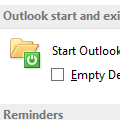
I get a lot of questions like this:Can I get Outlook to open in [some other folder] so that I can see [things] without having to first click the Outlook shortcut?You sure can!One of my favorite features in Outlook is the ability to start in any folder. Outlook 2003 (and up) supports any folder in your mailbox or personal stores (*.pst), including search folders … [Read more...] about Tip 16: Changing Outlook's Startup Folder