![Diane Poremsky [Outlook MVP]](http://www.outlook-tips.net/images/2014/MVP_BlueOnly.png)
Last week I shared a tip for creating a new message shortcut in the Send to folder. Ronald wanted to know how to use it for distribution lists. It's easy – just replace the email address with the DL name. If there are spaces in the name, use quotes around the name.
"C:\Program Files\Microsoft Office\OFFICE12\OUTLOOK.EXE" /c ipm.note /m "My DL"
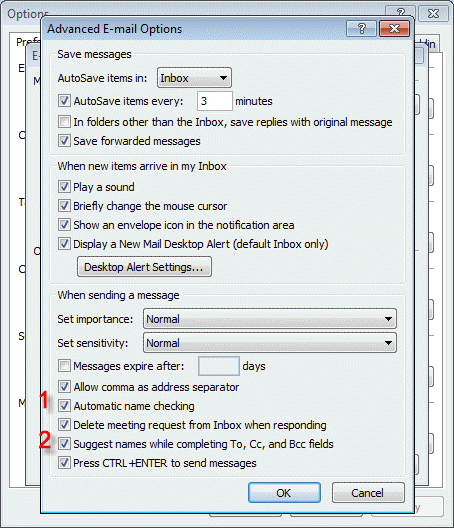
Outlook will resolve the name. This also works for contacts, if you prefer to use names instead of email addresses in the shortcuts.
Mark noticed that…(read more)
Published June 19, 2006. Last updated on June 17, 2011.