
![Diane Poremsky [Outlook MVP]](http://www.outlook-tips.net/images/2014/MVP_BlueOnly.png)
In Outlook 2003 you can display multiple calendars side by side, but how does Outlook decide the order they are shown?
It's not based on the order you click the folder, but on the order they are listed in the Navigation pane, with calendars in My Calendars section listed first and Other Calendars listed last. You can control the order to some degree by reordering the list. Just select a calendar in the list and drag it up or down. (Colors are applied in the order the calendar is selected.)
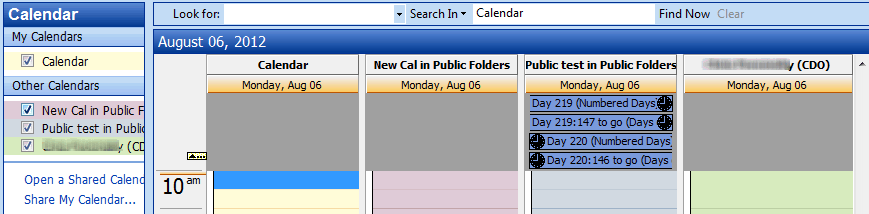
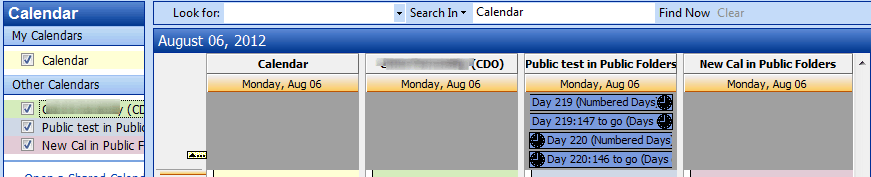
You can use this method to rearrange the folders in any navigation pane, except when using the Folder List.
Published August 17, 2005. Last updated on May 14, 2013.
