![Diane Poremsky [Outlook MVP]](http://www.outlook-tips.net/images/2014/MVP_BlueOnly.png)
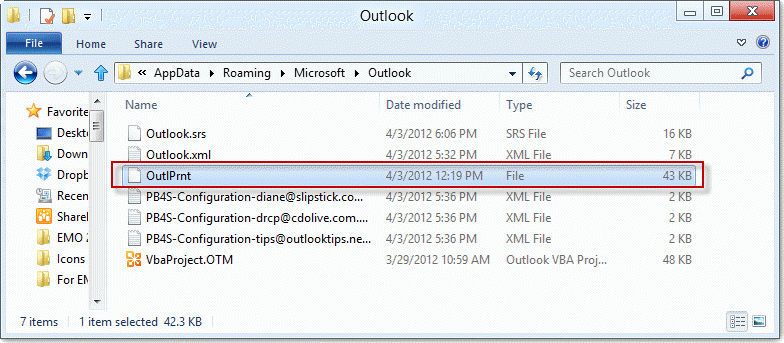
Are you having problems printing from Outlook? Try deleting the OutlPrnt file – it's kept in C:\Users\%username%\AppData\Roaming\Microsoft\Outlook in Windows 7 and newer. This file holds information about print configurations and customizations.
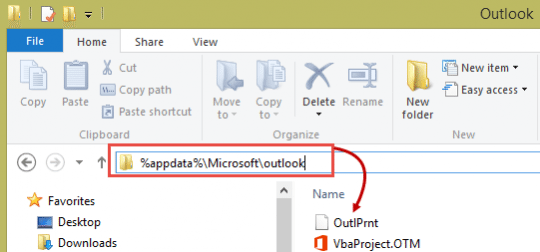
You can jump to the folder where OutlPrnt is, open Windows Explorer then type or paste
%appdata%\Microsoft\outlookinto the address bar of Windows Explorer and press Enter to open the folder where OutlPrnt is.
It's safe to delete it, outlook will recreate it the next time you edit the Print Options. You will lose any custom print settings you previously changed.
More Information
Looking for other the support files Outlook uses? See Where are my Outlook Files?
Updated and re-published on August 26, 2018. Last reviewed on October 15, 2018.